
- 01254 933993
- info@bmacademy.org.uk


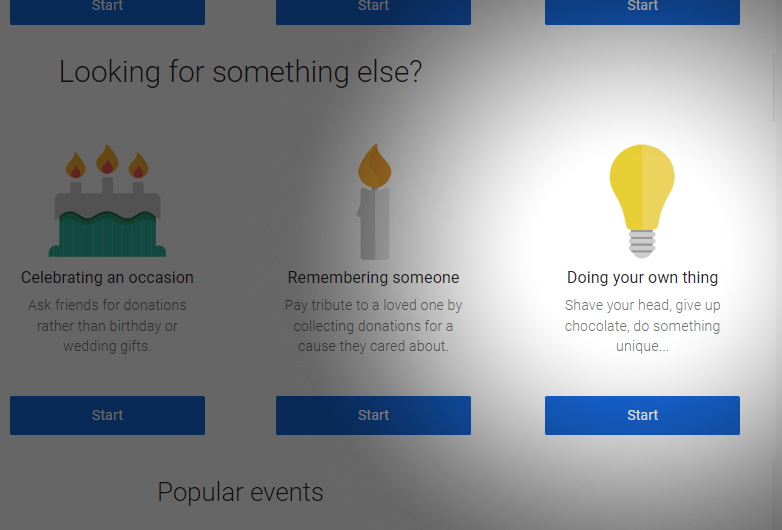
Start your new page by clicking the link below. You will be asked to login to JustGiving first. If you have used JustGiving before, login with your existing account. If this is your first time, simply click "Sign-Up" and enter your name & email to register quickly and easily. Once logged in, continue with starting your new page and select "doing your own thing" from the options displayed.
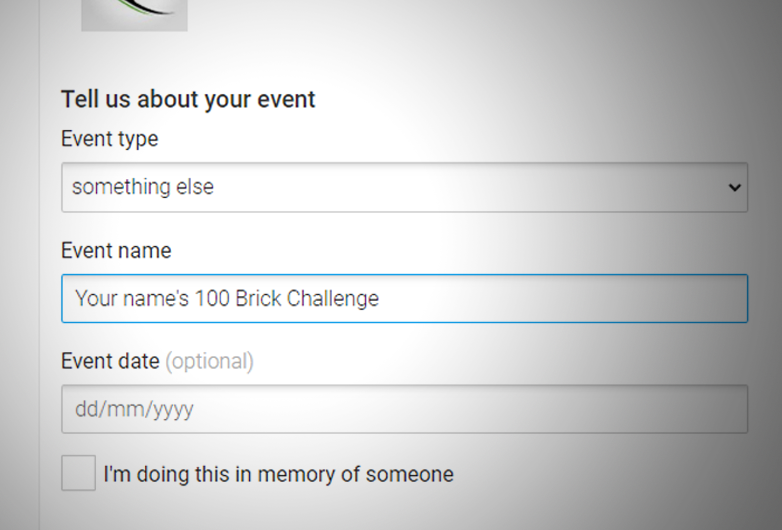
Select "something else" under event type and then type your page name. You can use something like "[Your name]'s 100 Brick Challenge or Help me raise a 100 Bricks for a Darul Uloom, etc.

Enter your name or a selected phrase of your choice for your personalised link. Choose something which will be easy to remember and share with your friends/donors. Ensure that the link name you have chosen is available, this will be displayed underneath in a green box saying "This web address is available"
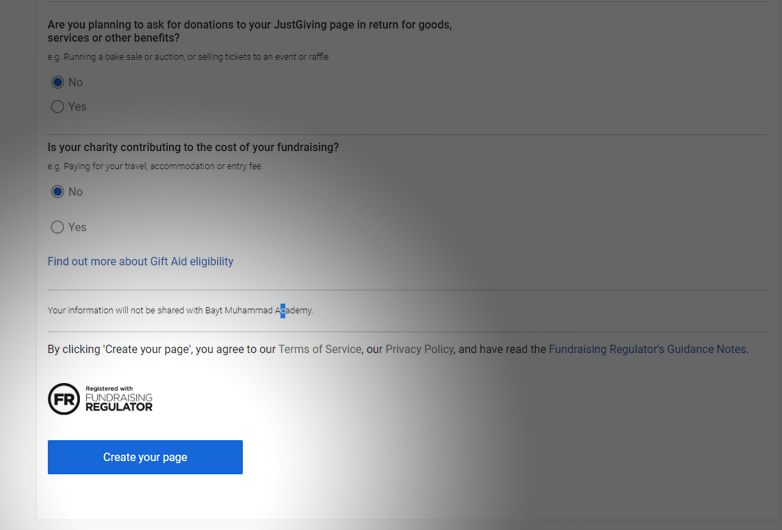
Select "no" for the next two options and then scroll to the bottom to hit the blue "Create your page button"
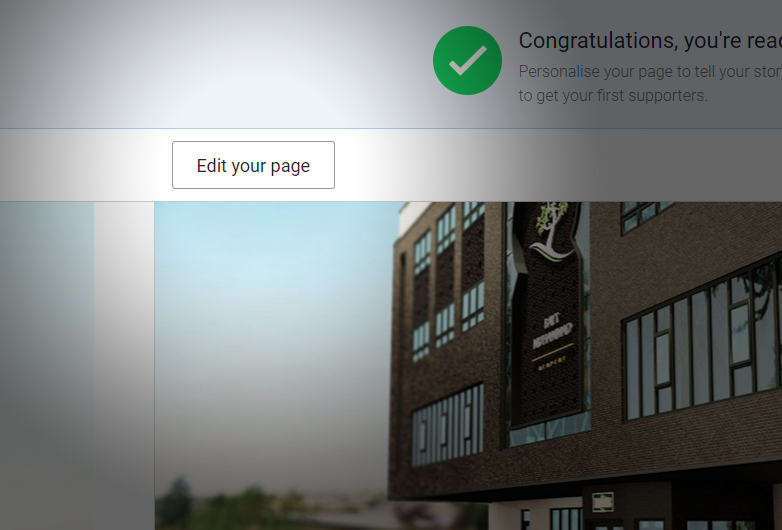
Your page will now be open and will contain and "Edit your page" button towards the top left. Click this button to set your fundraising target
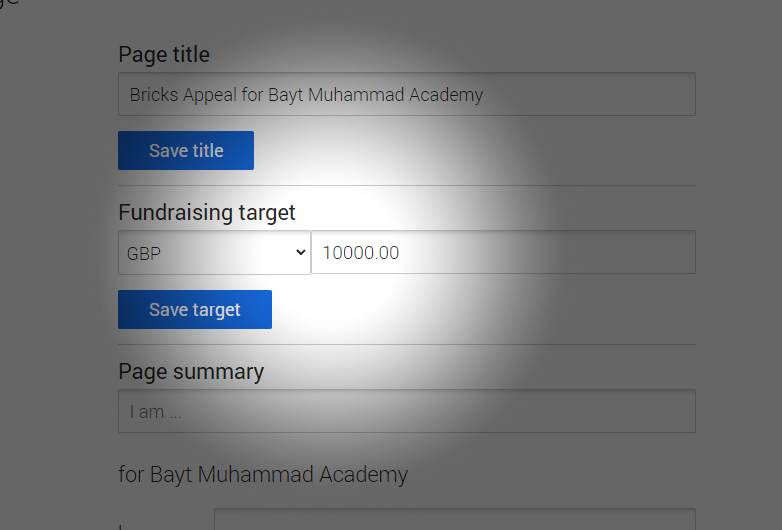
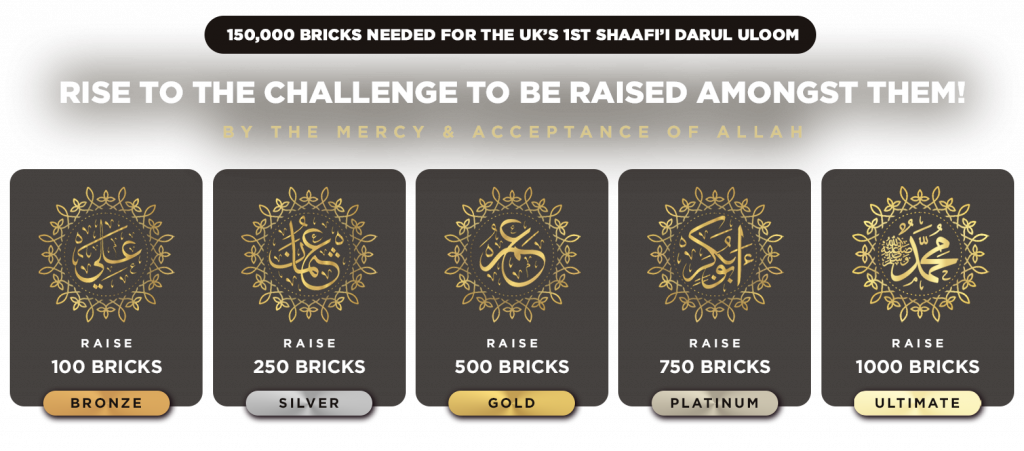
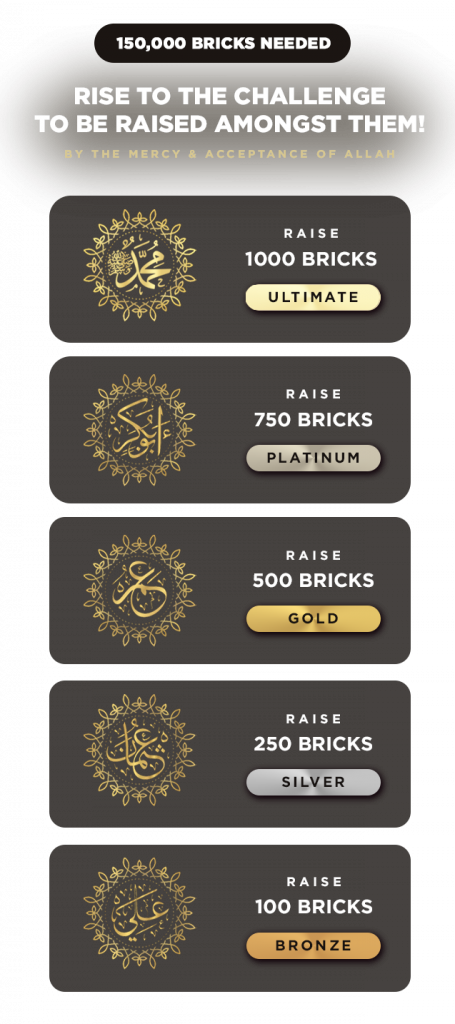
Enter the total amount you will be raising based on the challenge you have selected. Please see below for amounts: